
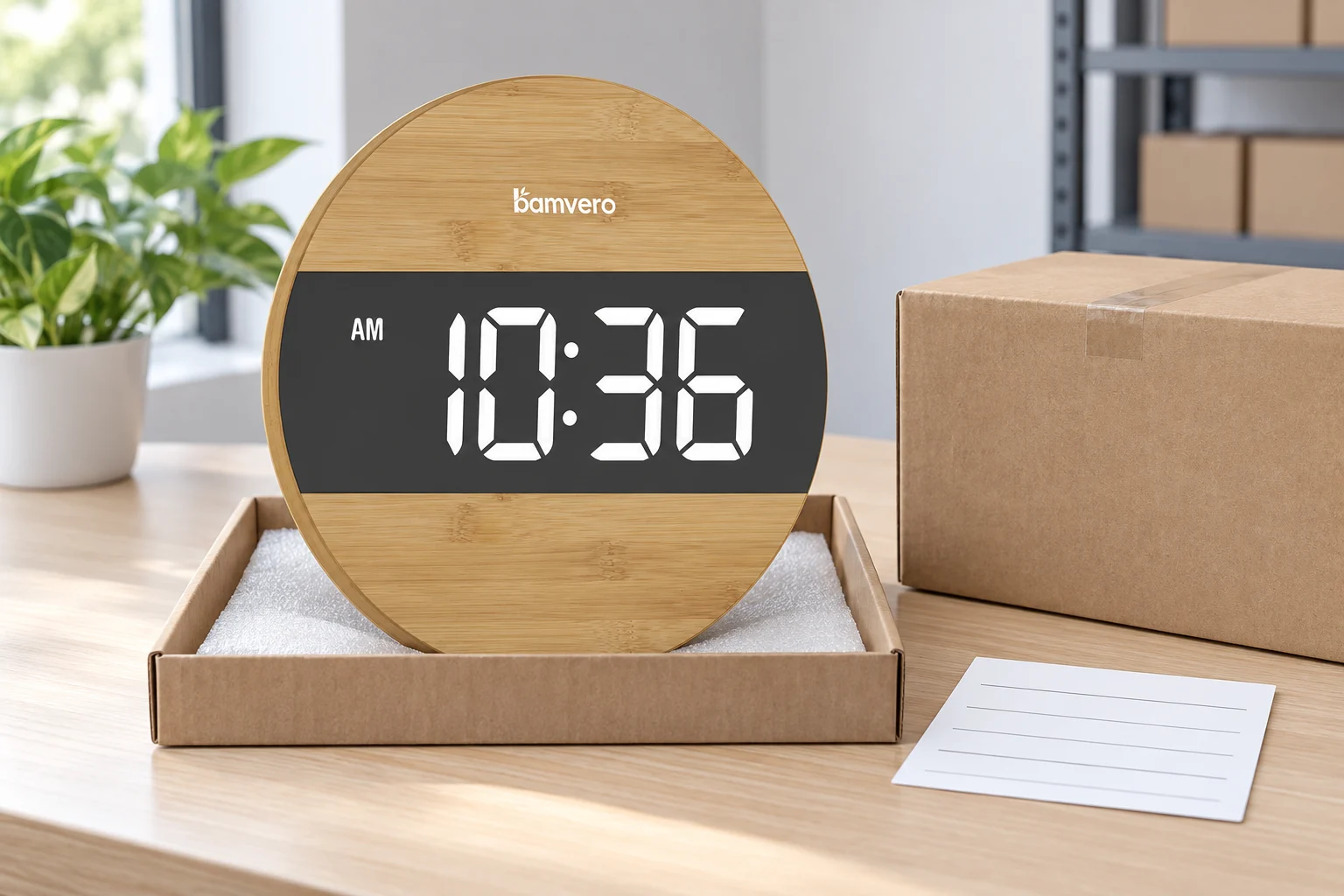
AI-generated support-intake concept based on G218D, not an actual return or repair record. Tray, carton and card do not represent supplied packaging.
Wall Clock Returns: Separate Setup Questions from Product Faults
Collect the exact model and symptom, use approved setup guidance and escalate unresolved cases without assuming a cause.
Start with the exact clock and the reported symptom

Ask for the order reference, complete model name and a plain description of what happens. A front photograph helps check identity, while a photograph of an accessible label may identify the supplied version. Never ask someone to remove a heavy or awkwardly mounted unit just to obtain a picture they cannot safely reach.
The G218D round LED wall clock, for example, has a round bamboo body and a broad dark display band. That appearance distinguishes it from other clock formats, but it does not tell a support agent the power requirements or setup sequence. Those details must come from the documentation for the supplied unit.
Record whether the issue was present on first use or appeared later, and whether it affects one unit or several. Describe the symptom without turning it into a diagnosis. “Display goes blank after a few minutes” is more useful than an unverified entry such as “faulty board.”
Separate ordinary setup from a reason to stop
If a customer reports smoke, a burning smell, a damaged cable or other signs of an electrical hazard, stop the normal setup script. Advise them to stop using the product and disconnect power if safe, then follow the supplier's safety escalation process. Do not suggest opening the housing or continuing to test a suspect unit.
For an ordinary setup question with no safety concern, consult the current instructions. Confirm that the customer is using the specified power arrangement and that accessible connections are secure. Do not recommend an arbitrary replacement adapter merely because its connector fits, and do not assume that every digital clock operates from batteries.
Keep first-line advice limited to actions the manual allows. Power requirements, button sequences and reset methods can differ across models. A familiar method from another clock is not a substitute for a verified instruction.
Ask for evidence that answers one question
A short description plus a clear photograph is often a better first request than a long troubleshooting questionnaire. If a short video is needed, explain what it should show: for example, the display's response during the relevant, documented setup step. Do not ask for unnecessary footage of the customer's room or personal information.
If the time appears wrong, ask which part is incorrect and what happened immediately before it changed. If the display is difficult to see, ask about the position and viewing conditions before labeling it a display fault. An installation concern and an intermittent electronic symptom may need different follow-up, even when both customers initially write “not working.”
For a mounting or damage concern, ask for accessible photographs of the affected area and packaging where relevant. Do not ask the customer to improvise a bracket, drill the housing or perform a repair. A photograph can document a problem; it does not establish the safe remedy.
Give support staff a model-specific reference
Keep a controlled reference for each model containing the current instructions, supplied accessories, verified setup guidance and escalation contact. Record its revision date. This helps prevent a customer receiving instructions for a visually similar item from the wider clock range.
If the supplier approves a troubleshooting step, preserve the exact conditions under which it applies. When a new configuration arrives, check whether the support reference needs an update before it is sold. A product page, printed insert and support response should not describe three different versions of the same order.
Avoid promising a replacement, repair or warranty outcome before checking the applicable order terms and responsibilities. At the same time, keep the customer informed about the next action and who will respond. Technical investigation and customer communication should proceed together.
Escalate unresolved cases with a compact record
Send the supplier the model and order identifiers, symptom, timing, safe checks already completed and relevant images. Include the affected quantity when several units are involved. Keep the original customer description available instead of replacing it with an assumed cause.
For returned stock, identify the unit and separate it from saleable inventory while its status is unresolved. Do not resell a returned electronic product simply because its display lights up during a quick check. Agree the inspection and disposition with the responsible team through the wholesale support route.
Use the pattern to improve the next order
Review recurring cases by symptom, model and supplied version. Repeated confusion about a setup step may justify clearer instructions; repeated unresolved behaviour may require a product investigation. Neither conclusion follows from one vague complaint alone.
Before reordering, discuss whether the packaging, model identification or support materials should change. Link any agreed improvement to the next purchase specification. A good returns process does more than count replacements: it preserves evidence that helps buyers and suppliers make a better next decision.
Match the product to the way it will be used.
Align the target channel, product functions, destination market, branding and packaging route before approving a sample or bulk quotation.