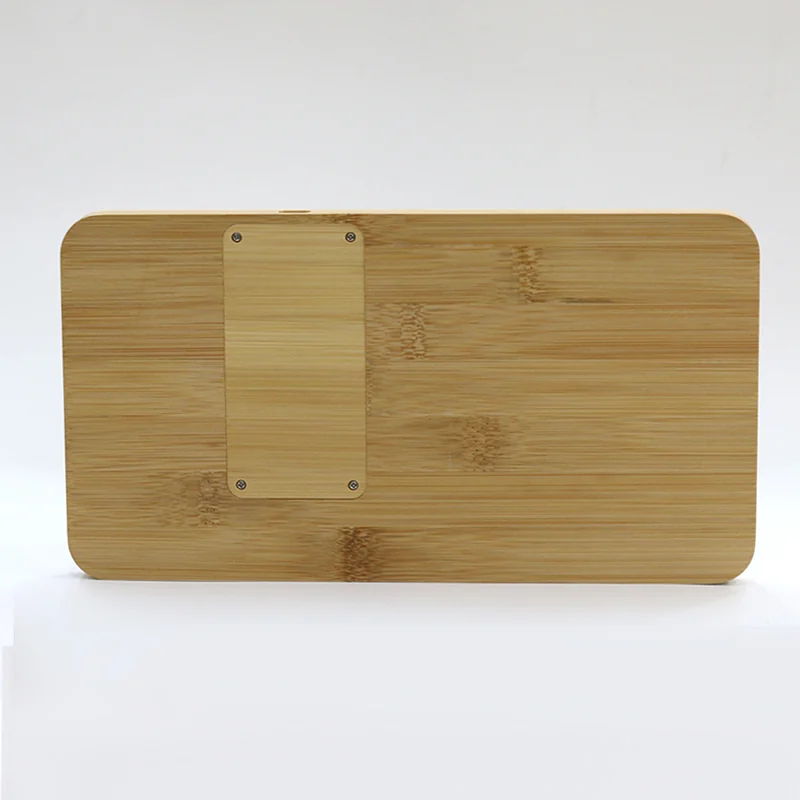
Bamboo Wireless Charger Compatibility Testing for Wholesale Buyers
Record the phone, case, power supply, charging position and stable result before turning a sample test into a wholesale product claim.
Compatibility Is a Test Result, Not a Single Feature
A wholesale listing may describe a bamboo product as a wireless charger, but that phrase does not prove how every phone, case and power supply will behave. The useful question is whether the exact product configuration charges the representative devices selected for the buyer's market under recorded conditions.
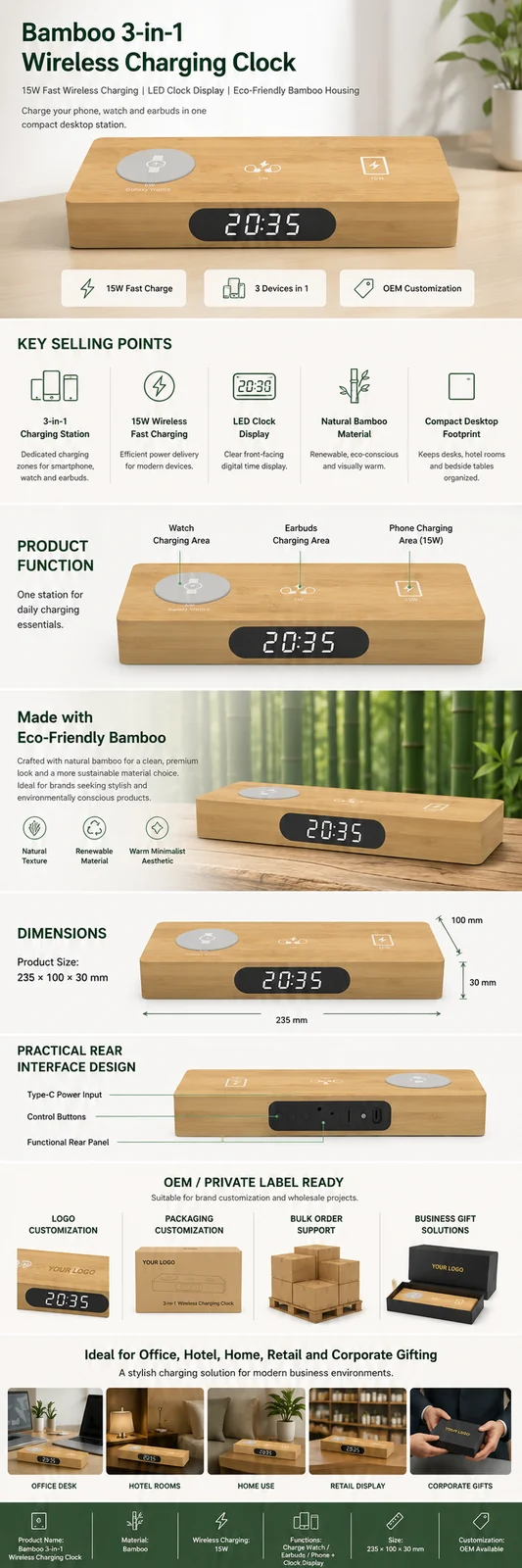
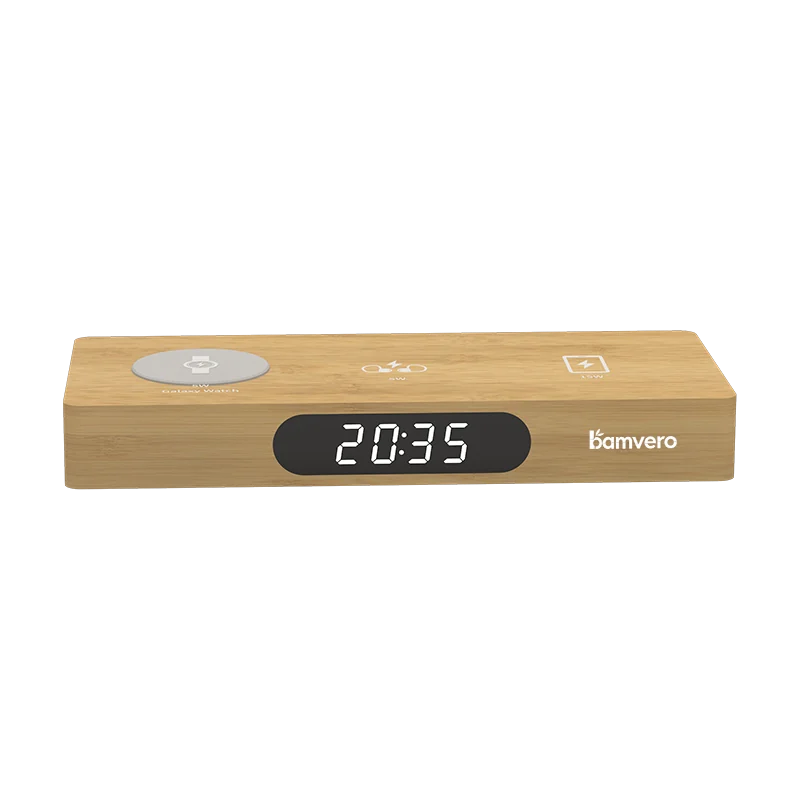
Begin with a defined model. The W118 bamboo wireless charging clock combines a charging surface with a time display, while the W120 3-in-1 bamboo charging clock is intended for a broader multi-device setup. They should not share one vague compatibility statement because their placement and power conditions are different.
Build a Small Representative Device List
Choose devices from the customers you actually expect to serve. Include more than one phone size and at least the case types commonly used in that channel. The goal is not to test every device ever sold. It is to produce evidence for a realistic group and avoid claims that extend beyond the sample results.
Record the exact device name, case material and approximate thickness, battery start level and operating condition. If a device cannot charge, remove the case and repeat the test so the team can distinguish case interference from product placement or power issues.
Lock the Power Supply Before Comparing Results
The charger, cable and power source form one system. A model that works with one adapter may behave differently when the input source is changed. Record the supplied or required adapter, cable and input connection for every test, then keep that setup unchanged while comparing devices.
The wireless charging clock category shows different clock and charging formats, but a category comparison should never replace configuration-level evidence. Ask the quotation and sample record to identify which cable or power accessory is included and which remains the buyer's responsibility.
Mark the Real Charging Position

Place each device as a first-time customer would. Observe how easily the charging area can be found, whether the phone remains stable and whether the screen or clock controls remain usable. If successful charging requires repeated repositioning, a retailer should treat that as a user-experience issue even when the electronics can eventually connect.
Use a simple photo or drawing to record the accepted position. For organizers such as the W119 bamboo wireless charging desk organizer, repeat the test with the desk items that will normally occupy nearby compartments. Pens, keys or cables should not force the phone away from the intended zone.
Test Cases Without Promising Universal Case Support
Cases change distance, alignment and surface grip. Test the thin everyday cases that dominate the target channel, then add one or two more demanding examples if they are commercially important. Remove cases with metal parts, magnets or attached accessories unless the exact combination is intentionally supported and verified.
Describe the result precisely. “Tested with the listed devices and cases” is more defensible than “works with all cases.” Retail copy should tell customers where to place the phone and which accessories may interfere without turning a limited sample test into a universal promise.
Observe Stability and Temperature During the Test
Do not stop the record when the charging indicator first appears. Keep the device in place for a defined period and observe whether charging remains stable. Note unexpected interruptions, unusual warmth, warning indicators and any change after the phone is moved and returned to the surface.
A buyer test is not a substitute for required product testing or certification. It is a practical check that the production direction, power setup and customer-facing instructions work together. Our charging clock retail test guide explains how compatibility evidence can be combined with display, packaging and customer feedback in a controlled launch.
Turn Test Results Into Better Product Content
Photograph the accepted device position and show the real cable route. Keep product-page claims tied to the exact model and tested configuration. If the package does not include an adapter, say so clearly. If a particular case type interferes, put that warning where customers will see it before purchase.
Use the same information in the manual, listing images and customer-support reply. Consistent instructions reduce the chance that the product page promises one setup while the package explains another.
Repeat the Check Before a Large Reorder
Repeat the compatibility sample when the charging module, housing, cable, power accessory or key phone generation changes. A reorder should refer to the approved model revision and the device matrix used for the previous result.
For a focused wholesale review, send Woodshowtime the preferred model, sales market, device list, typical cases, required power accessory and proposed retail claims. The supplier can then prepare a sample plan that matches the real customer setup.
Build the specification before comparing the final price.
Align the target channel, product functions, destination market, branding and packaging route before approving a sample or bulk quotation.